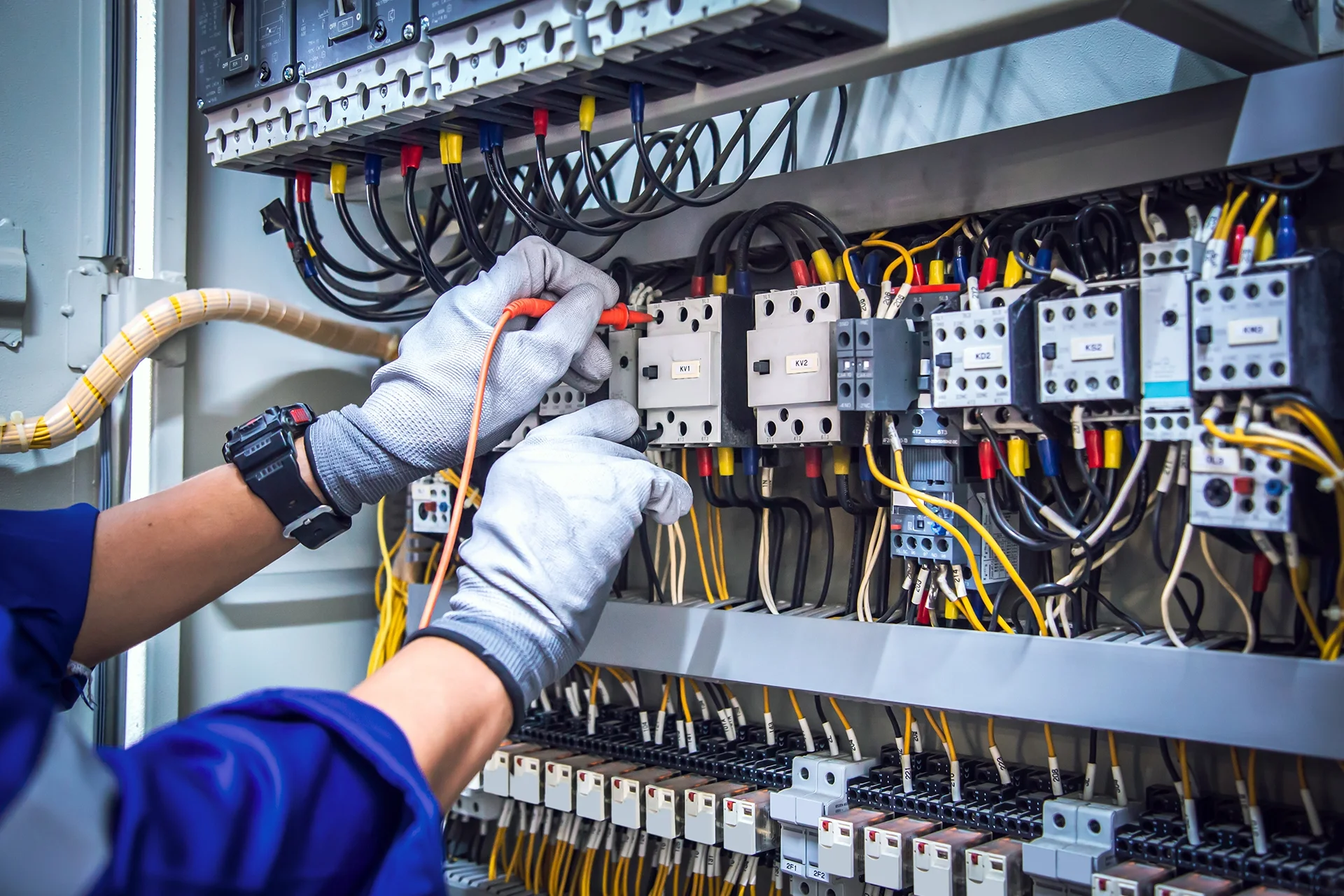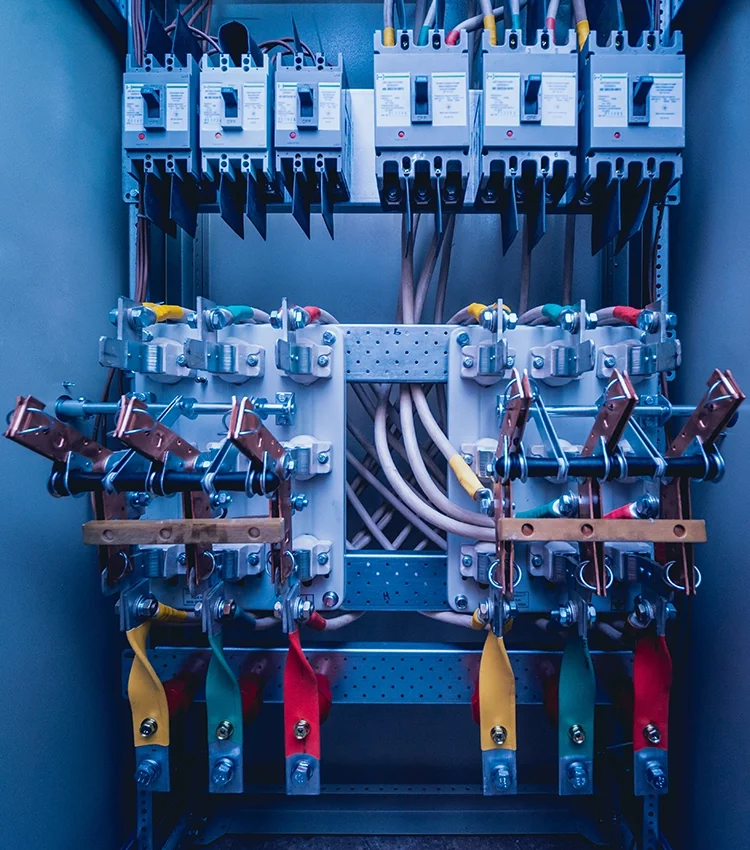
Open almost any control panel and you will find rows of small plastic blocks clipped onto a metal rail. These are terminal blocks on a DIN rail. They look simple, but they decide how tidy, safe and serviceable the wiring in a panel will be for years. This guide explains the common types, the ratings that matter, and what to check before you order.
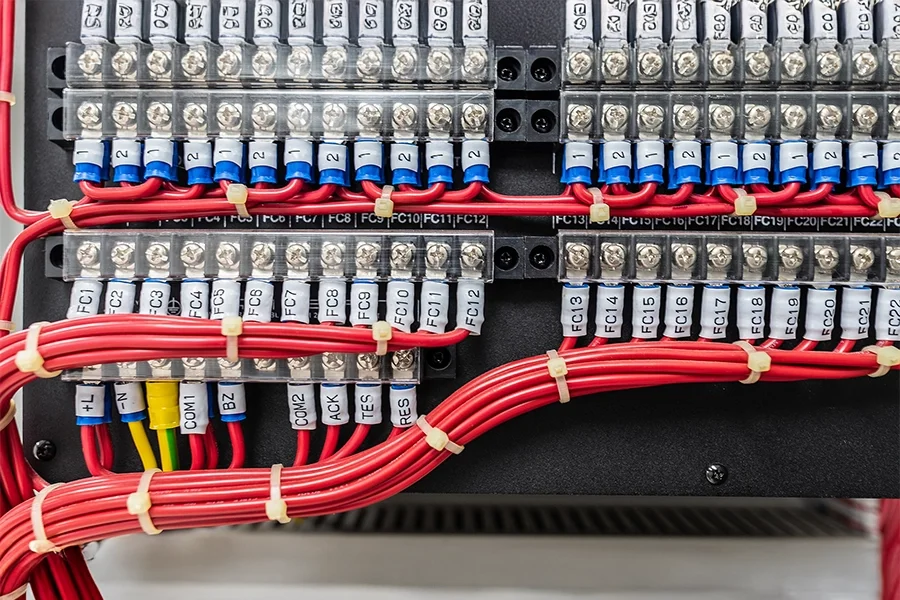
What a terminal block and a DIN rail are
A terminal block is an insulated housing with a metal conductor inside that lets you join one or more wires securely and release them again without cutting or re-making the connection. A DIN rail is a standard metal rail, usually 35 mm wide, that terminal blocks, small breakers, relays, power supplies and other modules snap onto. Because the rail and the clip-on parts follow common dimensions, a panel builder can lay out and change a panel quickly.
Main types of terminal blocks
| Type | How the wire is held | Typical points to consider |
|---|---|---|
| Screw clamp | A screw presses the wire against a conductor | Familiar and robust; needs the correct tightening torque and re-checking after vibration or heat cycles |
| Spring clamp | A spring holds the wire | Fast to wire, no screw to loosen; suits panels with vibration |
| Push-in | Solid or ferruled wire is pushed straight in | Fastest wiring; check which conductor types the block accepts |
| Ground (PE) | Connects to the rail for earthing | Usually colour-coded green and yellow; makes a conductive path to the rail |
| Fuse and disconnect | Holds a fuse or has a knife-switch link | Lets you isolate a circuit for testing or maintenance |
| Multi-level | Two or more connection levels in one block | Saves rail space when there are many signals |
Ratings to read on the datasheet
- Rated voltage and current. Choose a block whose rated values are above what the circuit will carry. The datasheet states the conditions of the rating.
- Wire size range. Check the smallest and largest conductor cross-section and whether stranded wire needs a ferrule (a metal sleeve crimped on the wire end).
- Insulation material and temperature. Consider the panel temperature, especially for outdoor or hot rooms.
- Approvals and test marks. Ask the supplier which standards the product is tested to, and confirm the requirement for your project with your consultant or the authority.
- Accessories. End stops, end plates, jumpers, partition plates and marker strips are separate items; make sure they are on the bill of quantities.
Good wiring practice on the rail
- One wire per connection point, unless the datasheet explicitly allows two.
- Use ferrules on stranded conductors where the block requires or recommends them.
- Strip to the length the manufacturer shows so no bare copper is exposed and the full conductor sits in the clamp.
- Label everything. Marker strips on each terminal and wire numbers matching the drawing save hours during commissioning and fault finding.
- Group by function: power, control and signal terminals on separate sections, with space between high-voltage and low-voltage groups where the design requires it.
- Leave spare terminals and rail length for future additions, commonly around a fifth of the rail, but follow the project specification.
- Tighten screw terminals to the stated torque with a calibrated tool, and re-check after the first period of operation.
Where terminal blocks are used
You will find them in motor control panels, where they carry the control wiring from field devices to the starter or drive; in distribution and metering panels, where they bring sensor and auxiliary circuits to one tidy point; and in elevator and building control cabinets. For how those panels are organised, read the motor control centre guide and MDB, SMDB and DB panel types. For the protective devices that sit on the same rail, read MCB vs MCCB: how to choose.
Common mistakes
- Choosing by price only and finding that a terminal does not accept the wire size on the cable schedule.
- Forgetting end stops, so blocks slide along the rail.
- Mixing screw and spring blocks without a clear reason, which complicates maintenance.
- Missing markers, which makes later fault finding slow.
- Overloading a single terminal by connecting more conductors than allowed.
Before you order: a short checklist
- List the circuits: power, control, signal, earth.
- Note the wire sizes and whether ferrules will be used.
- Pick the clamp type that suits the panel environment and maintenance plan.
- Add end stops, jumpers, partitions and markers to the bill of quantities.
- Ask for datasheets and the standards each product is tested to.
- Allow spare capacity on the rail.
Where Arab Arc Trading fits
Arab Arc Trading offers termination and connectivity products and panel work in Jeddah. See the Termination and Connectivity page, Electrical Panel Assemblies and Custom Enclosures and Accessories, or browse all services. To discuss a project, contact us with your circuit list and wire sizes.
FAQ
What size is a standard DIN rail? The most common is 35 mm wide. Other sizes exist, so check the rail against the modules you plan to mount.
Do I need ferrules? Many manufacturers recommend them on stranded wire for screw and push-in terminals. Check the datasheet of the block you choose.
Can I put two wires in one terminal? Only if the datasheet says the terminal is rated for it.
How many spare terminals should I leave? There is no single rule; follow the project specification and leave room to add circuits later.